
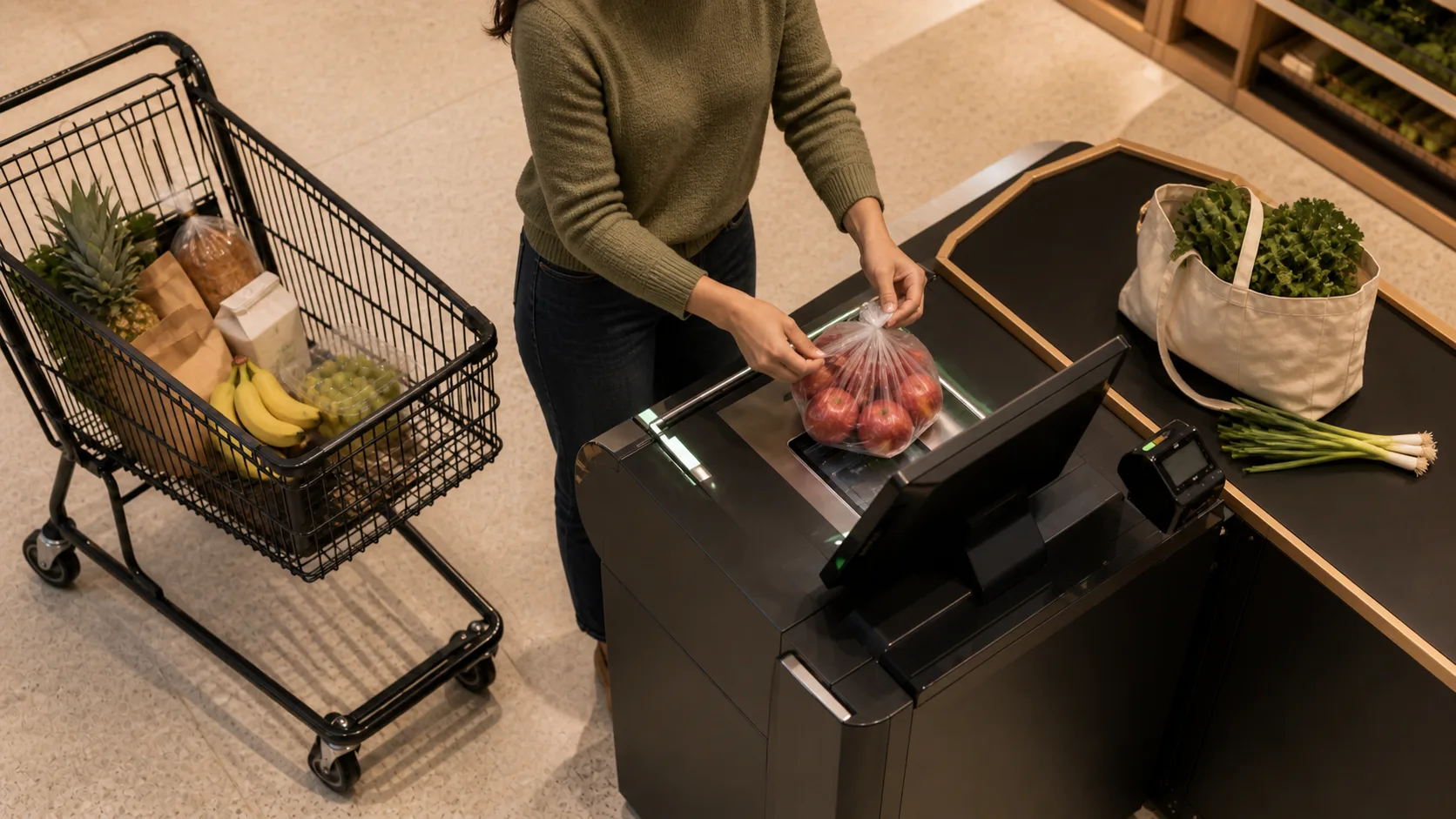


Recognize the produce. Skip the picklist.
Automatic produce recognition for loose items or items in clear bags. No search bar. No scrolling. Faster checkout.
Four steps in the process
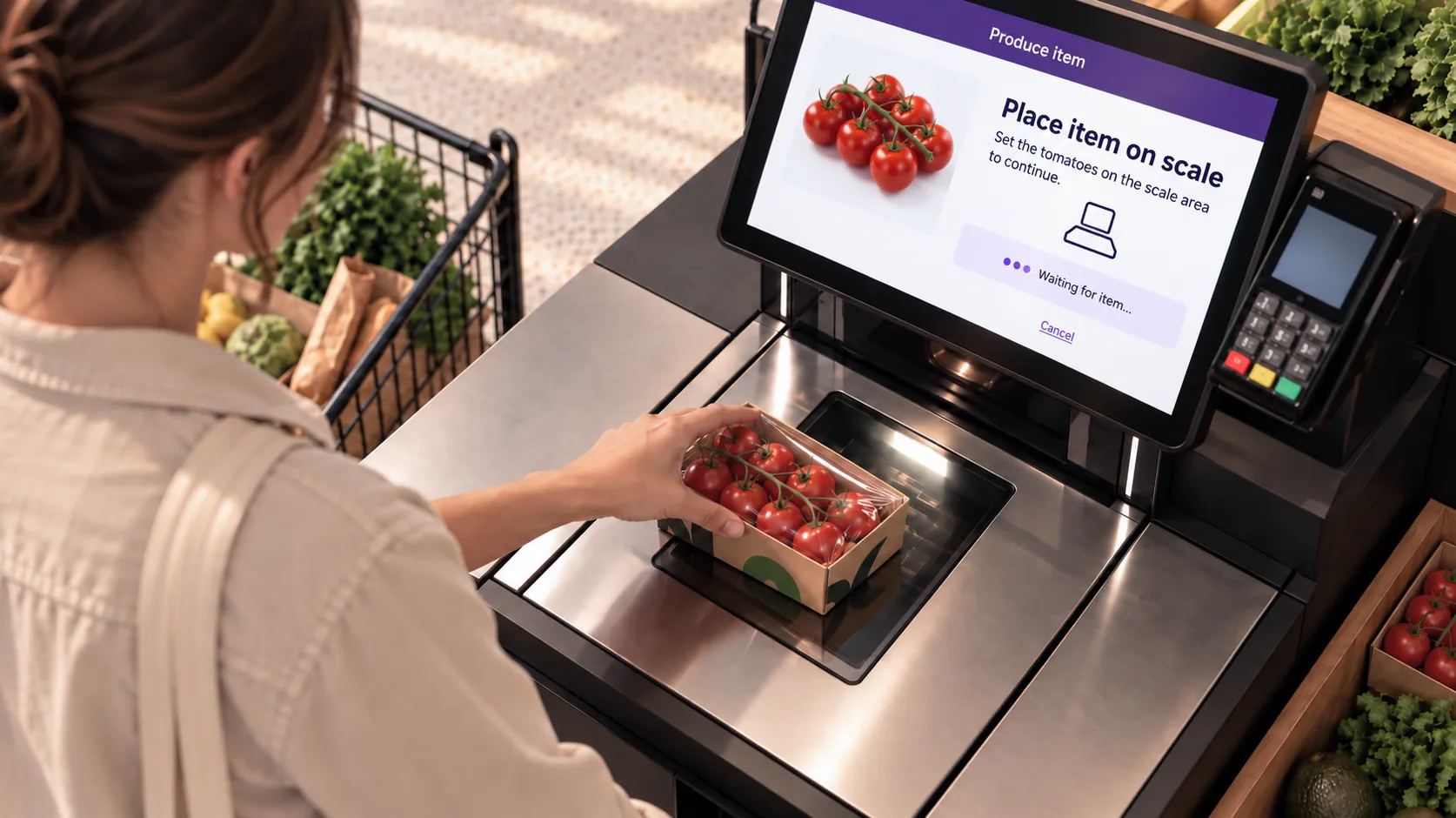
See
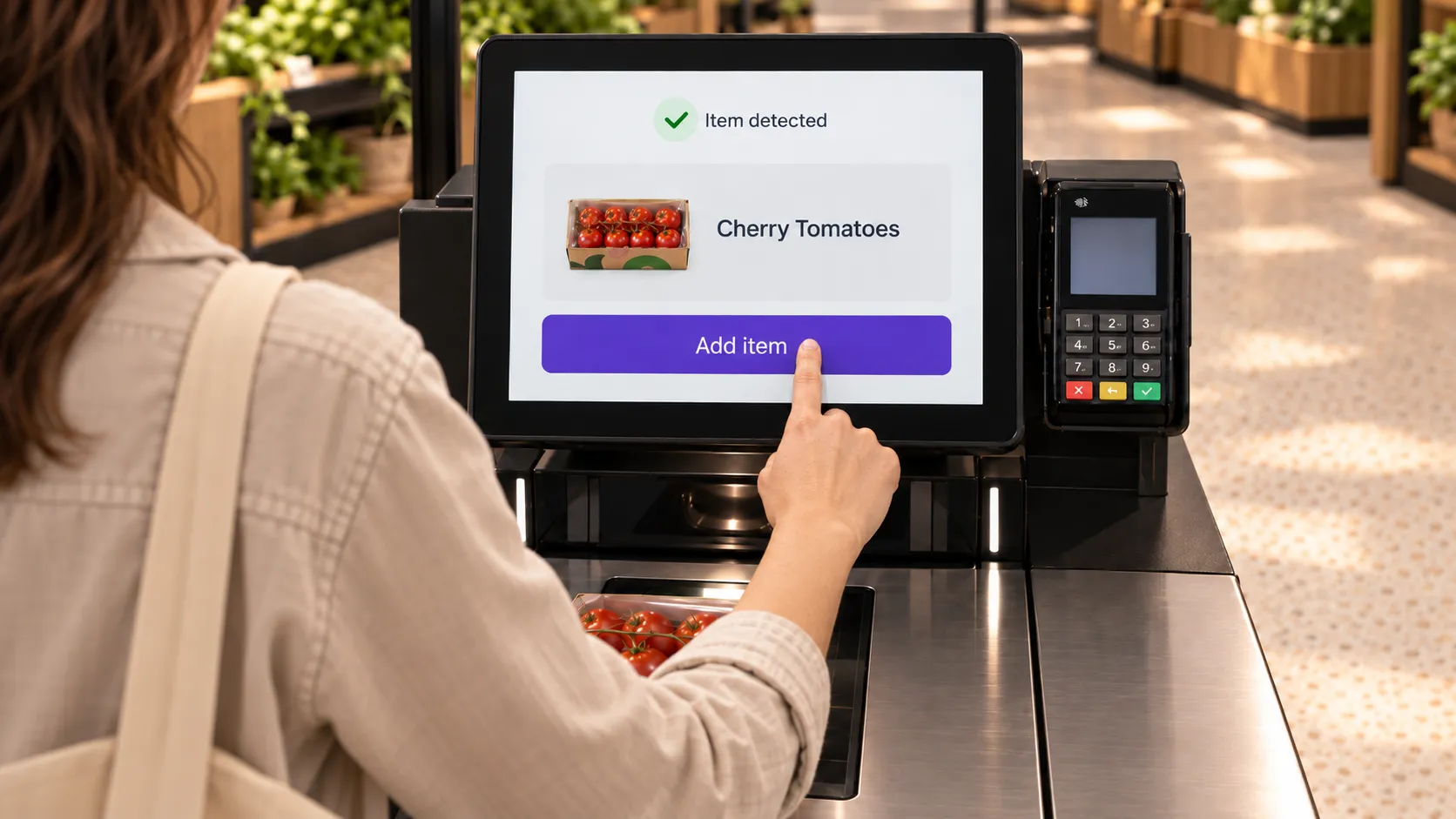
ShopicIQ recognizes the produce item at the lane the moment the shopper places it on the scan zone.
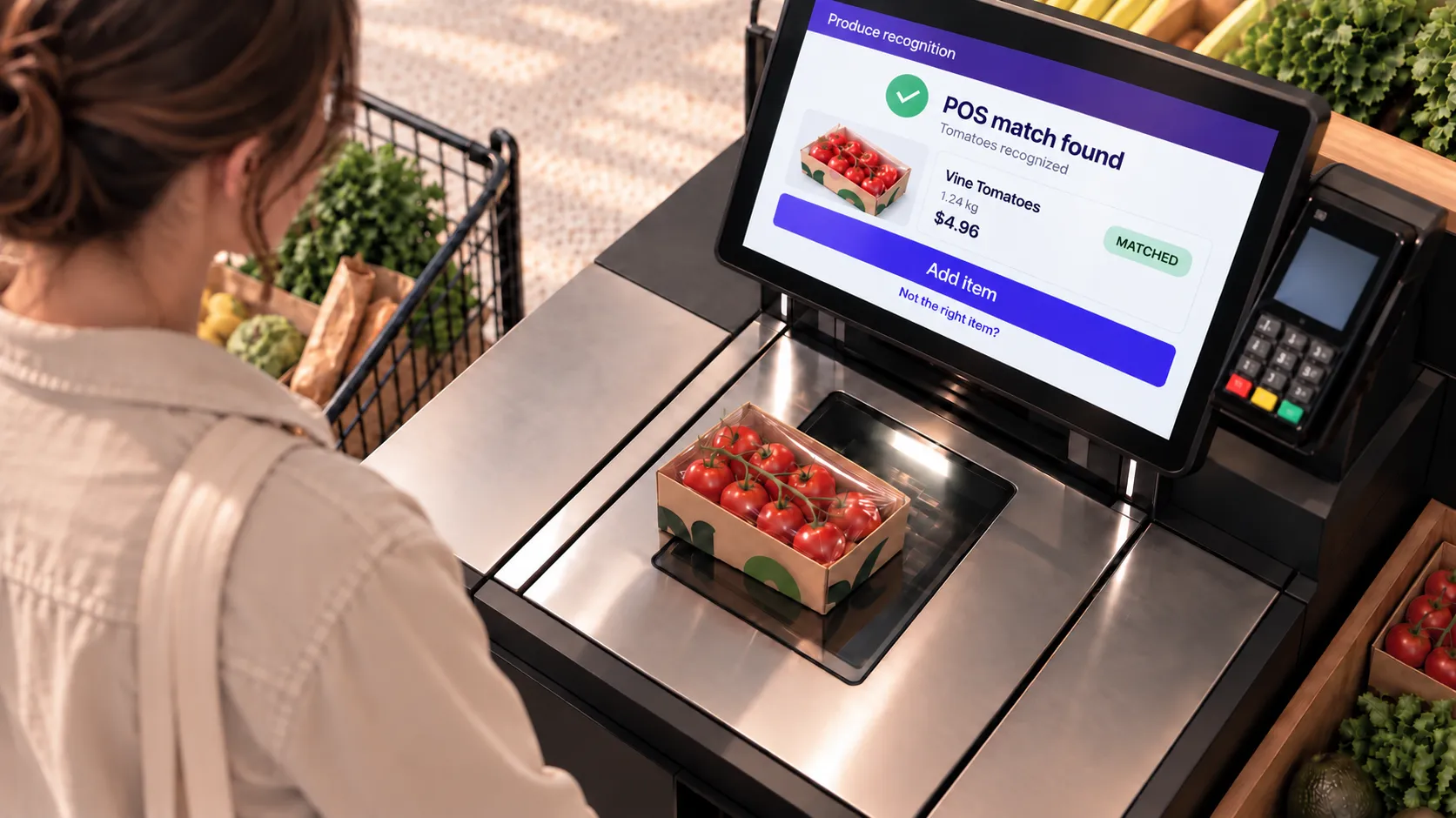
Match
The item is matched to the correct PLU and added to the transaction. No search. No scroll.
Cherry tomatoes
$7.39

Confirm
The shopper sees the item on screen and confirms – or confirm in one tap.
Suggest
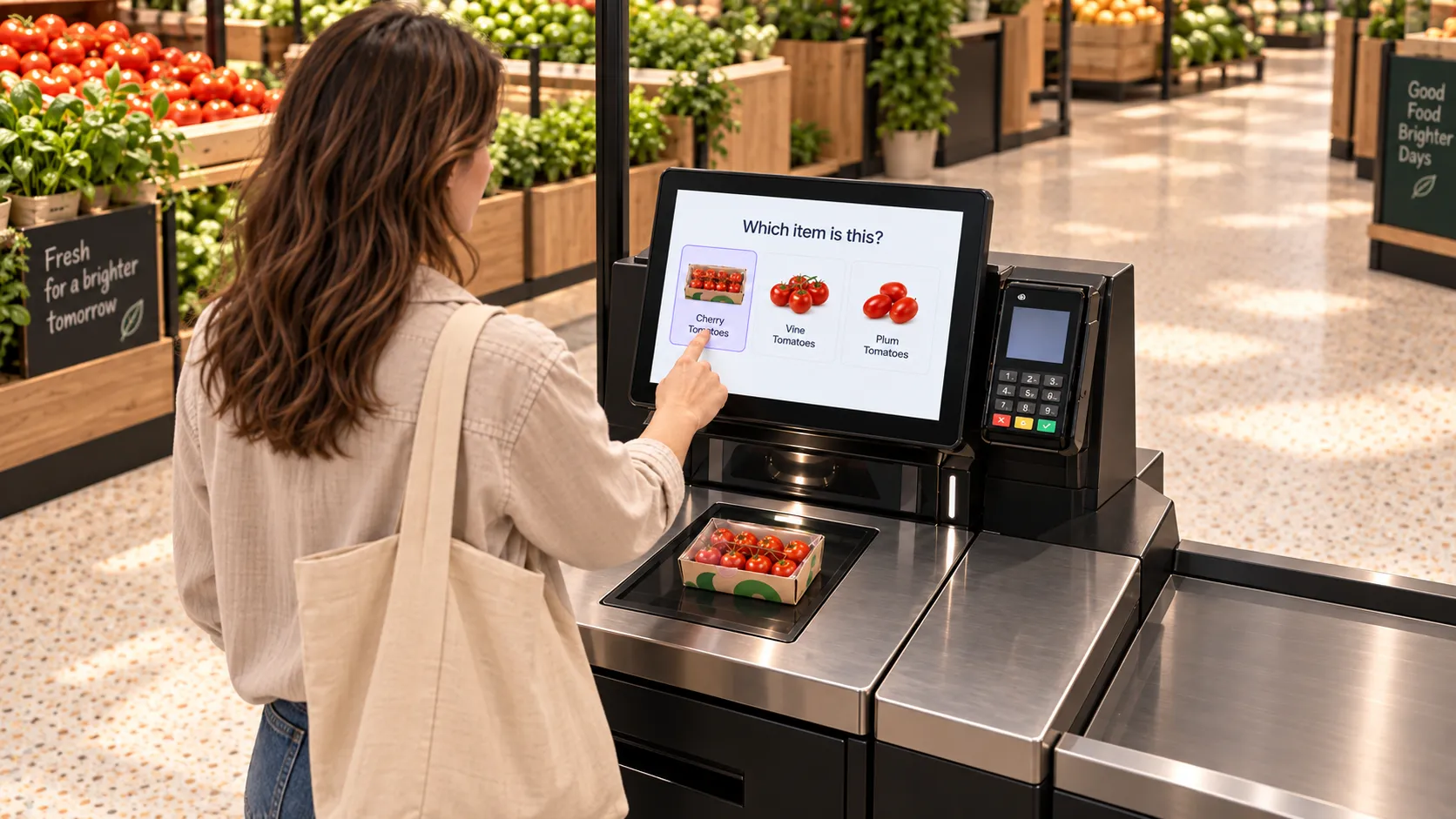
If confidence is below threshold, surfaces the most likely options. Never blocks the transaction.
Faster lanes. Less shrink. Happier shoppers.

Faster Checkout
The single longest delay at SCO disappears.

Lower shrink
Produce switching – cheaper item rung up while a more expensive one is on the scale – closed.

Less staff load
Fewer help calls for produce lookups.

Better experience
The SCO finally works the way the shopper expects. Faster, every trip.

From the SCO to the assisted lane
The cashier gets the same automatic recognition, removing the picklist step from the cashier workflow entirely. Same engine. Same edge. Same deployment.